
 FeeCanvas
Etsy profit calculator · Chrome extension
See your profit
after Etsy fees.
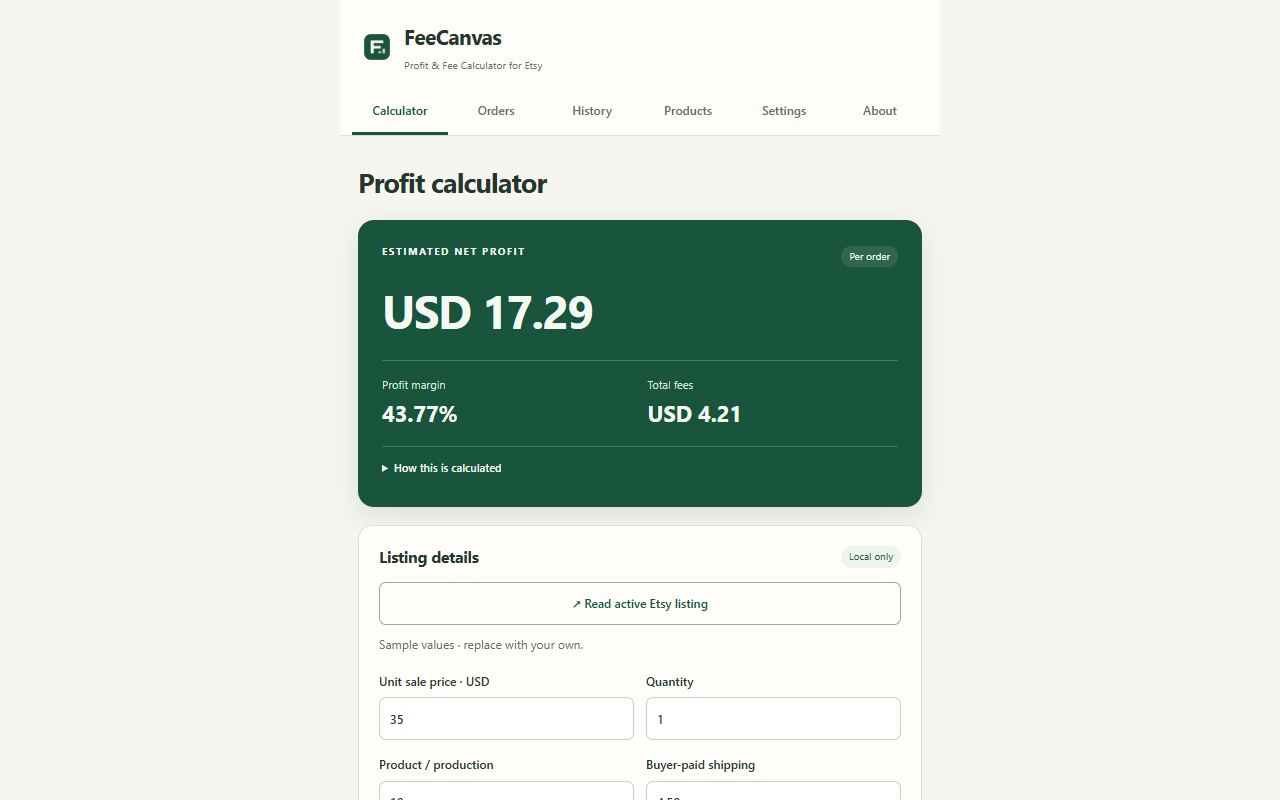
Add your sale price, product cost and shipping. FeeCanvas estimates the money left after fees and other costs.
No account. Local processing. No tracking.
- Etsy fees
- Product & shipping costs
- Profit estimates
Before you set a price
See the costs.
Then choose your price.
Keep fees, materials, shipping and advertising in the same calculation.
Enter your costs
Add the sale price, production, labor, packaging and shipping.
See what remains
Review estimated profit, margin and a line-by-line cost breakdown.
Compare your options
Try another price or discount. Find a break-even or target-margin price.
Learn from past orders
Bring your CSV.
See the bigger picture.
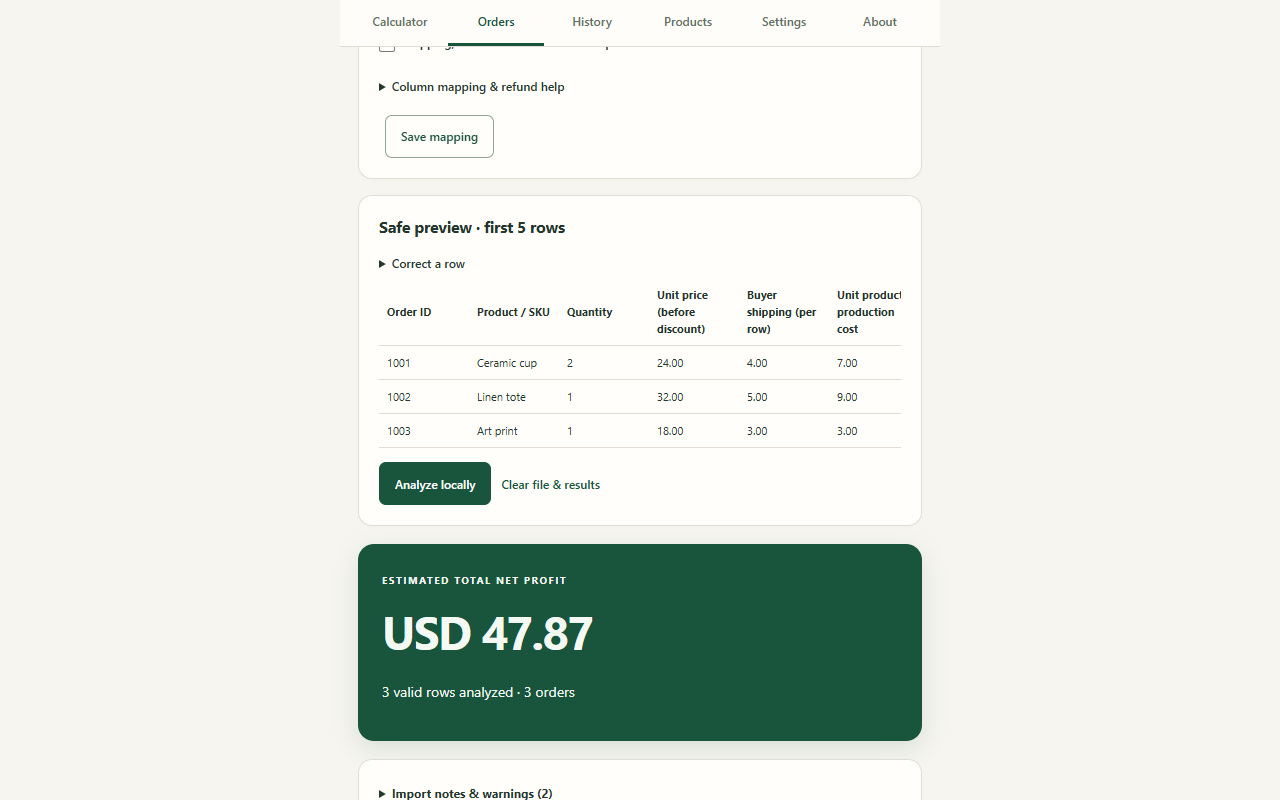
Analyze selected order files locally. See which products make money and where margins are low.
What else can FeeCanvas do?
- Compare prices, discounts and shipping scenarios.
- Match Printful or Printify cost files by order ID.
- Review Etsy statement fees and ads performance.
- Prepare ledger, QuickBooks and Xero CSV exports for review.
Calculations and selected CSV files stay in Chrome. No account or cloud sync is required.
Know your costs before you sell.
Open a private workspace for pricing and order analysis in Chrome.
Independent of Etsy, Printful and Printify. Results are estimates, not tax, legal or accounting advice.