
A study & work app by Angeles Tech
A study timer.
Your task list.
One screen.
Set a work session, play rain or ocean sounds, and keep your to-do list and notes beside the timer.
Free to start. No account or card needed.
Choose how you use it
Three views.
One simple app.
Use a timer to work, a large clock to show the time, or a scene with sound for a break.
 Focus preview
Work, then
take a break.
Set work and break timers. You can also count down to a deadline or time an activity with a stopwatch.
- Work & break timer
- Countdown
- Stopwatch
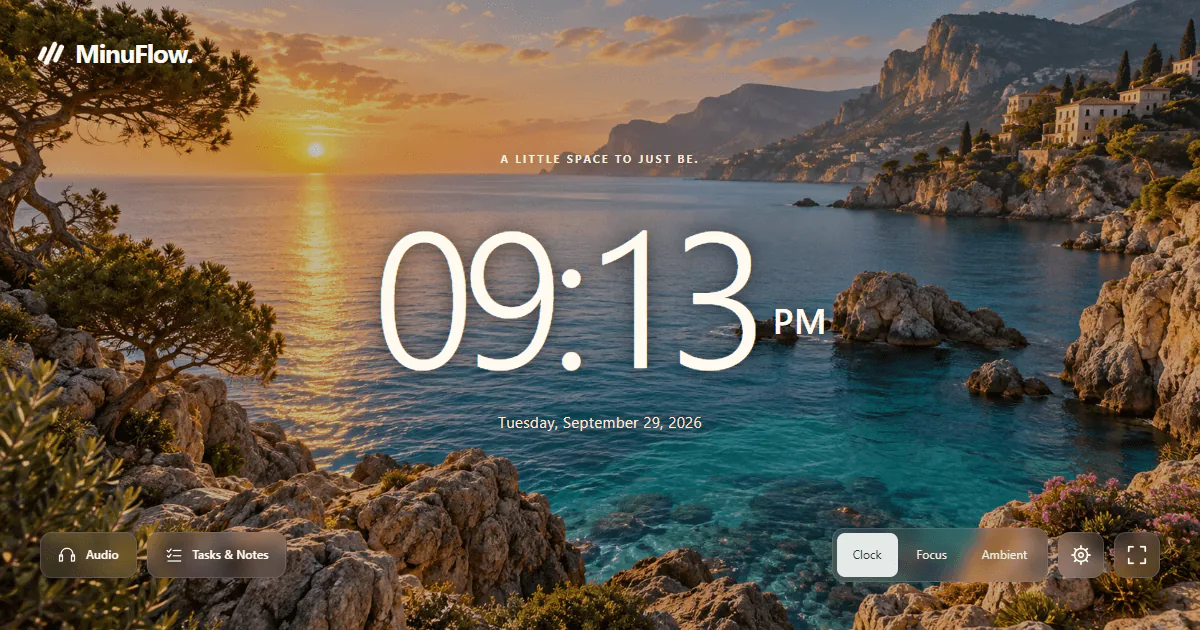
 Clock preview
A clock everyone
can read.
Keep the time and date in view at your desk. Classroom view makes the clock or timer larger on a shared screen.
- Time & date
- Fullscreen
- Classroom view
 Ambient preview
A pause between
work sessions.
Hide the timer, choose a background, and play a sound. Use this view for a short pause or a quiet room.
- Background scenes
- Calm sounds
- No timer on screen
These are view previews. Open the app to start a timer or play a sound.
More than a timer
Keep the next
task close.
Write a short to-do list, split big tasks into smaller steps, and keep notes next to your timer.
- Tasks with smaller steps
- Notes beside your list
- Start a timer from a task
Give it one session
Start free.
See what works for you.
The free app includes timers, tasks, notes, and a choice of sounds and backgrounds. No account or card is needed to begin.
Want more choice?
Premium adds more scenes and sounds, extra styles, and optional sync. See MinuFlow for current plans.